




Prototypes
Try the work.
Clickable prototypes of apps and sites we have designed. Tap through them in your browser, the way the client first saw them.
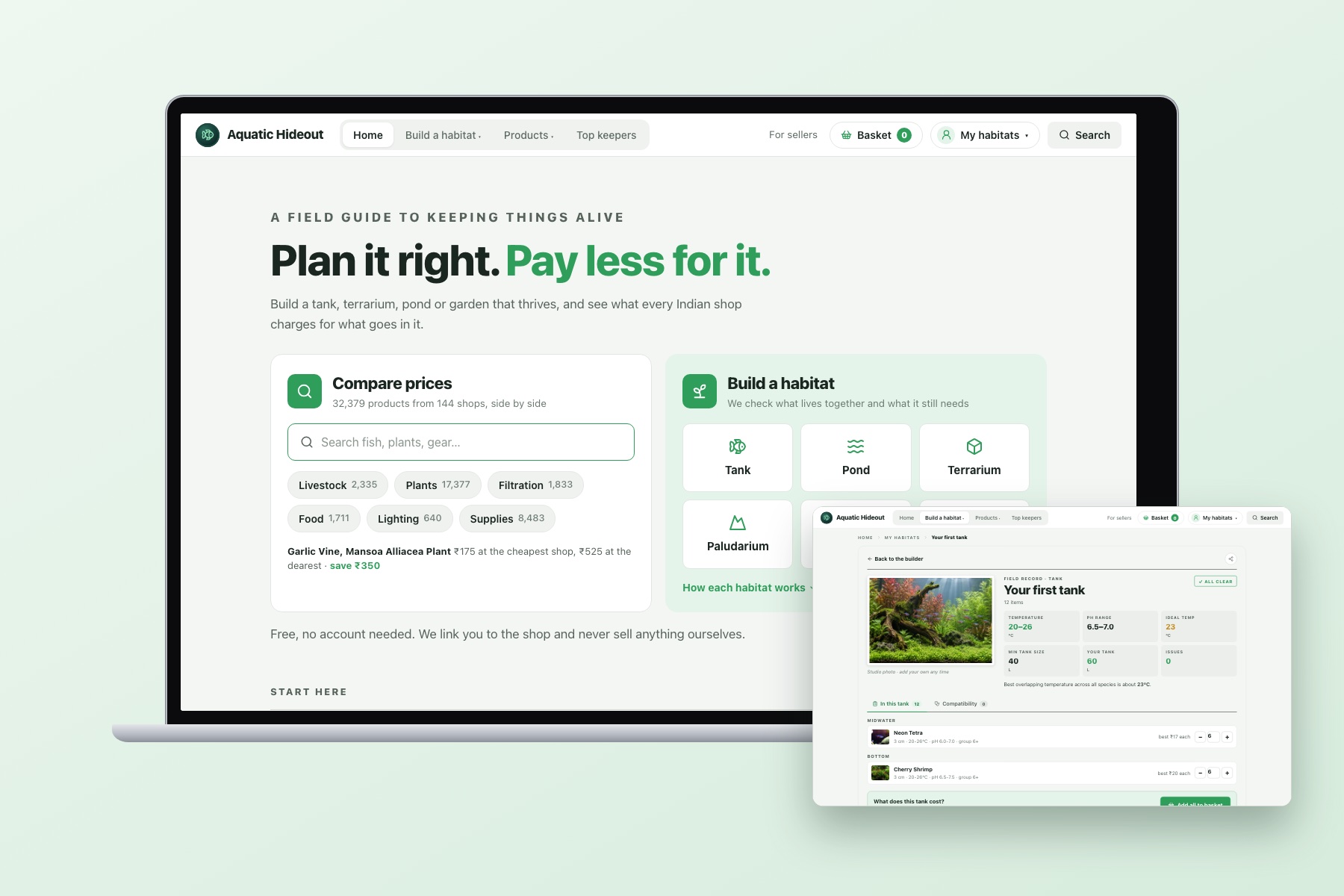 01Aquatic Hideout
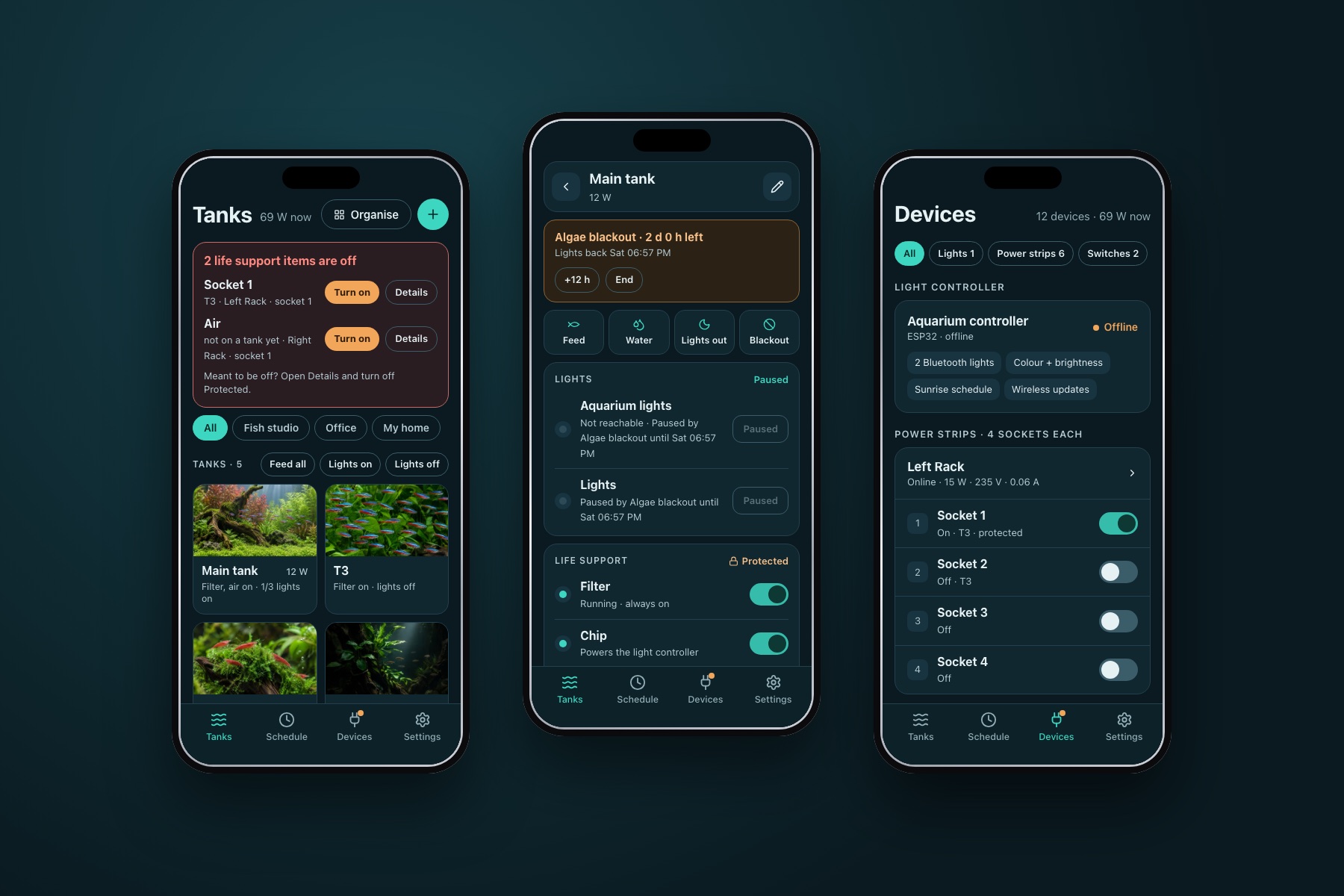 02Aquatic Hideout
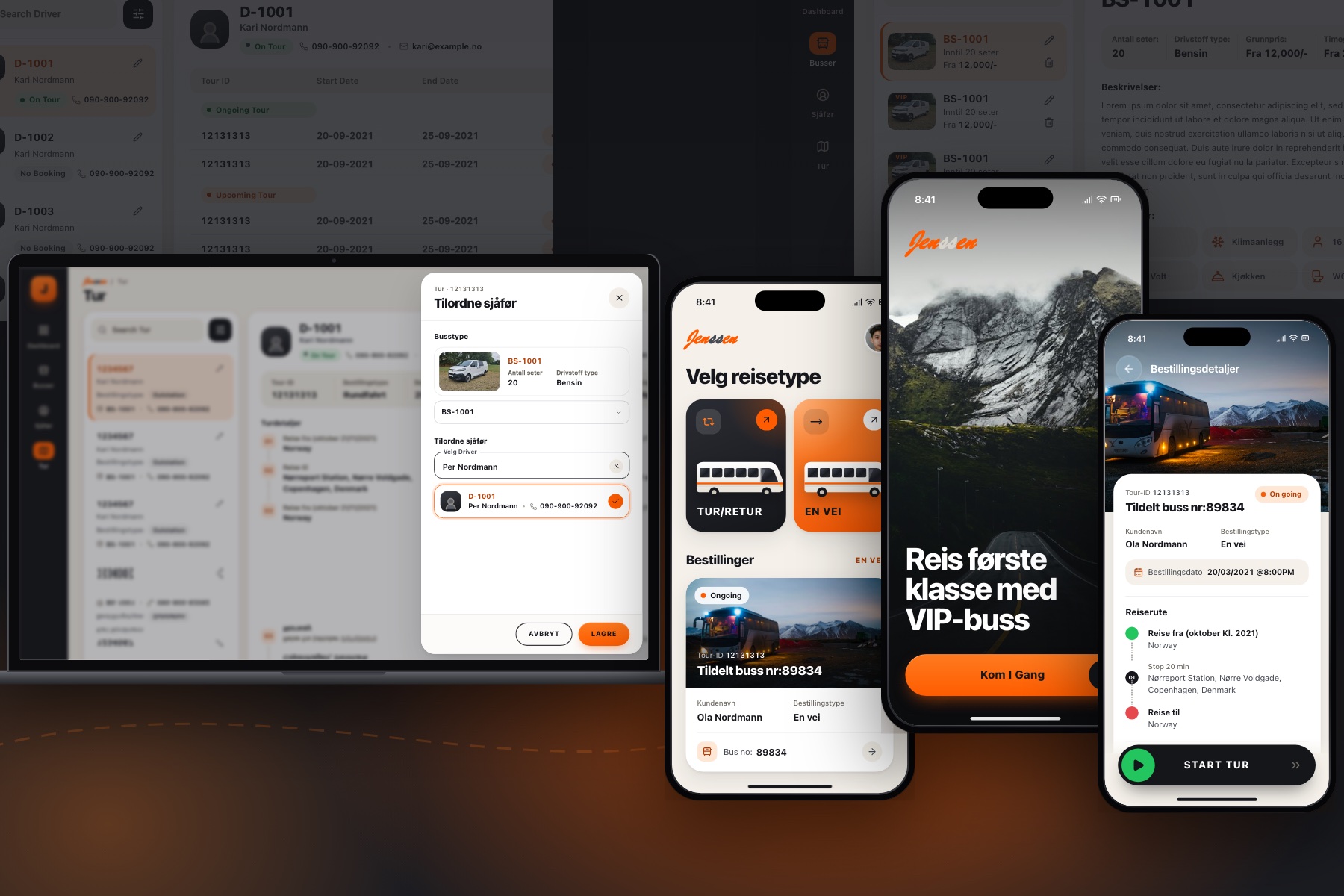 03Jenssen TurBuss
- Latest
- Aquatic Hideout price comparison website
- Device
- Desktop
- Client
- Aquatic Hideout
Aquatic Hideout price comparison website
Search aquatichideout.com for a betta, compare prices from 22 Indian shops, then build a first tank: pick fish and a size, watch the checks for temperature, pH and schools, and price the basket.
Aquatic Hideout room control app
Run Aquatic Hideout's fish rooms from a phone: turn life support back on, open a tank, start an algae blackout, check the light schedule and switch the sockets on a smart power strip.
Jenssen TurBuss booking app and admin
Book a charter bus in a refreshed 2026 design by Kilowott: pick a trip type, map the route, choose date and bus, pay, then start the tour as driver and assign buses and drivers in the admin.
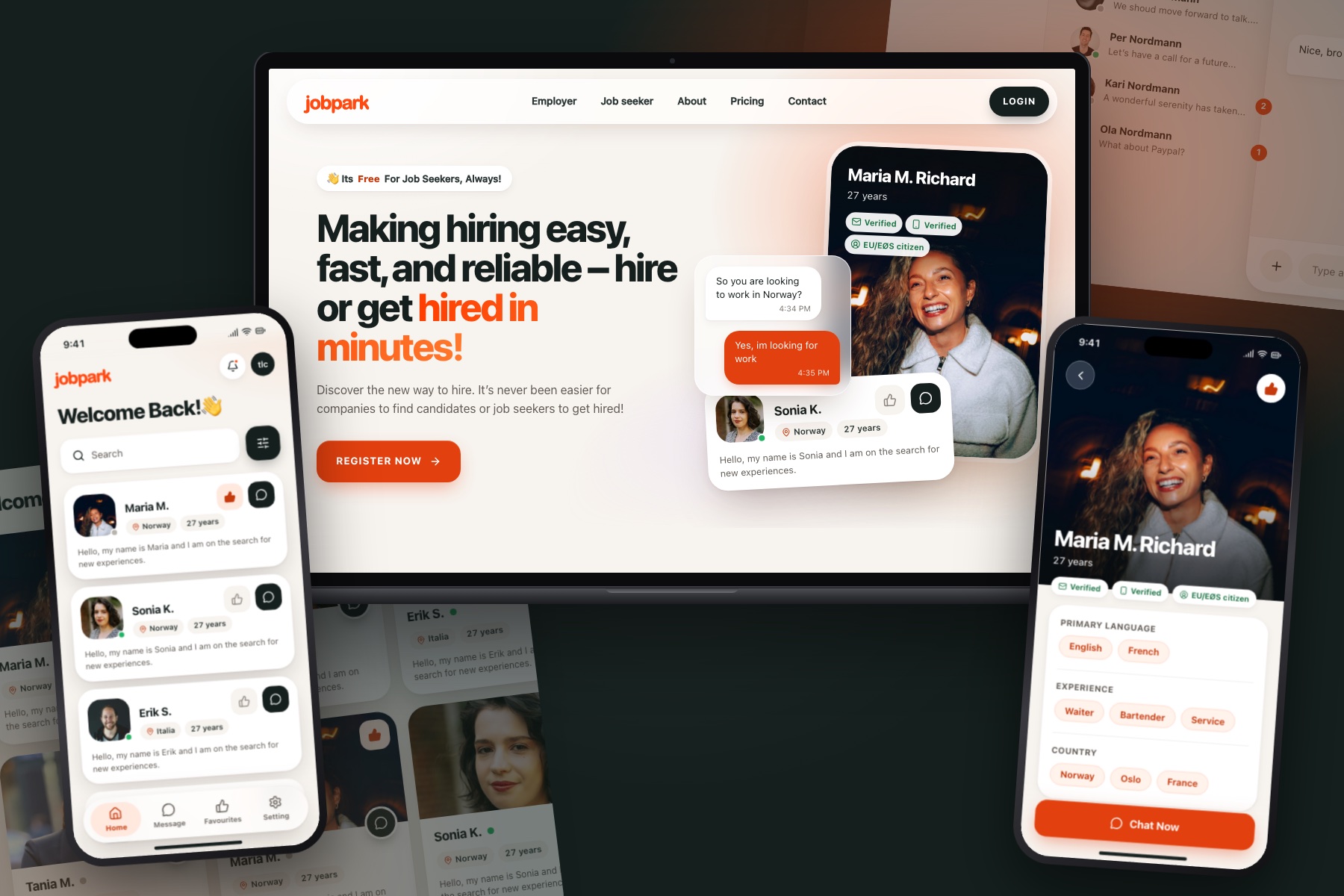
Jobpark website and employer app
Explore Jobpark’s refreshed 2026 design by Kilowott: browse the website, sign up as a job seeker or employer, filter and favourite candidates, chat with them and choose a subscription plan.

Ticlet event app redesign
Kilowott’s 2026 redesign of Ticlet’s internal event app: browse featured events, open an event, top up and track your wallet, filter transactions, and carry your booking as a QR wallet pass.
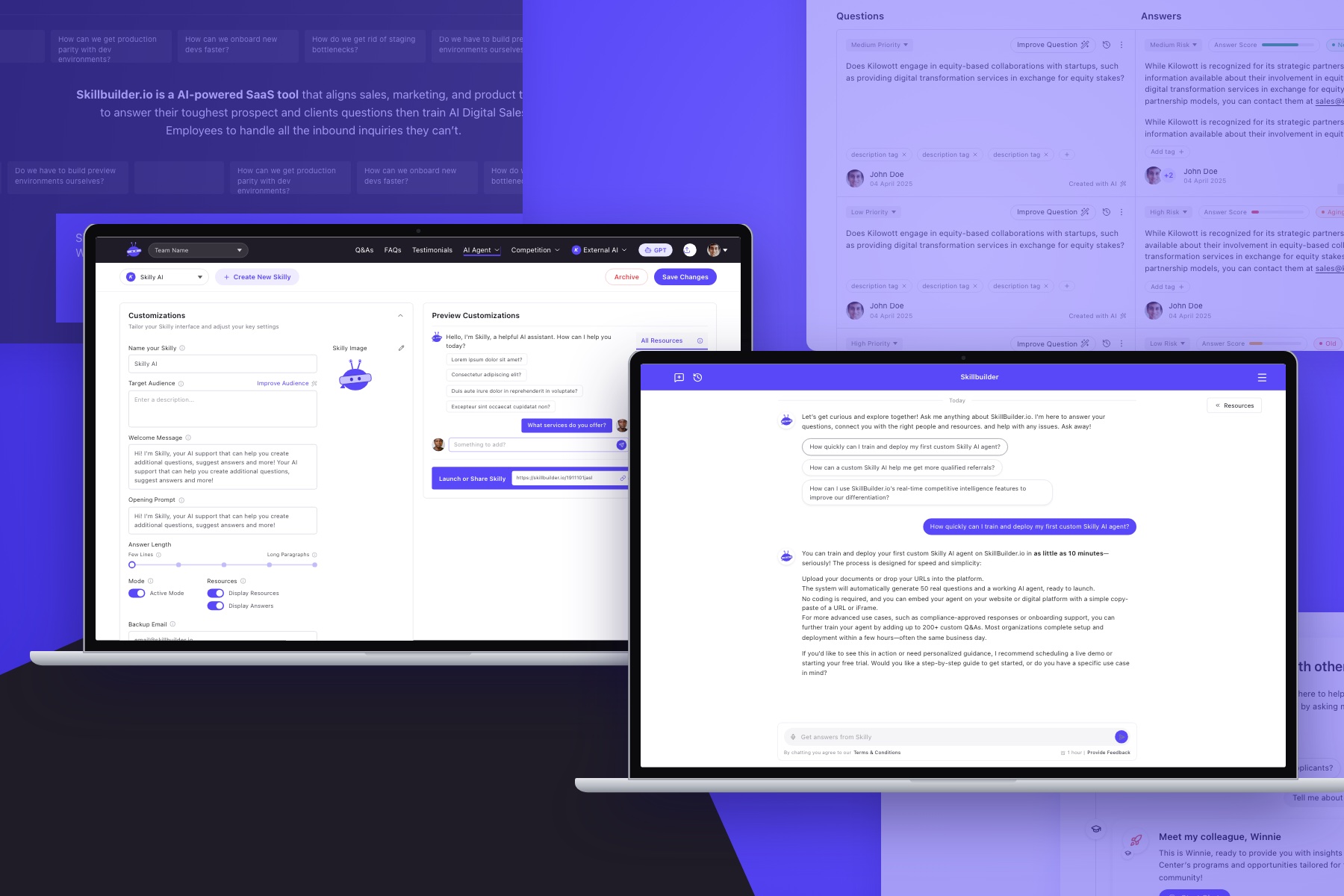
SkillBuilder AI agent web app
Sign up from SkillBuilder’s website, upload knowledge, review AI-generated Q&As with risk scores, customise and launch a Skilly agent, chat with it, and watch one agent refer you to another.
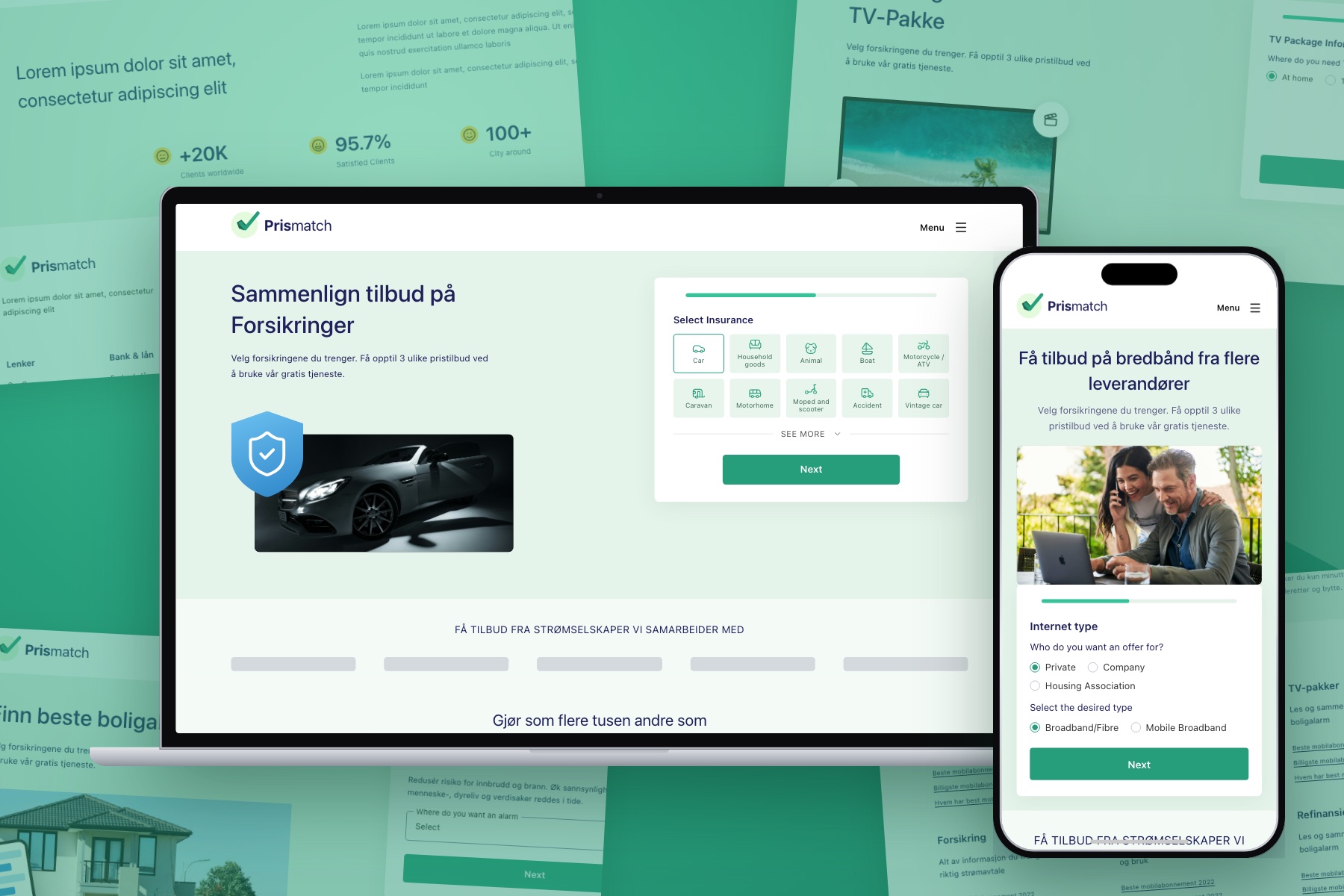
Prismatch price comparison website
Compare Norwegian insurance, home alarms, TV, broadband and power deals: pick a category, choose your options and send your details to get up to three offers.
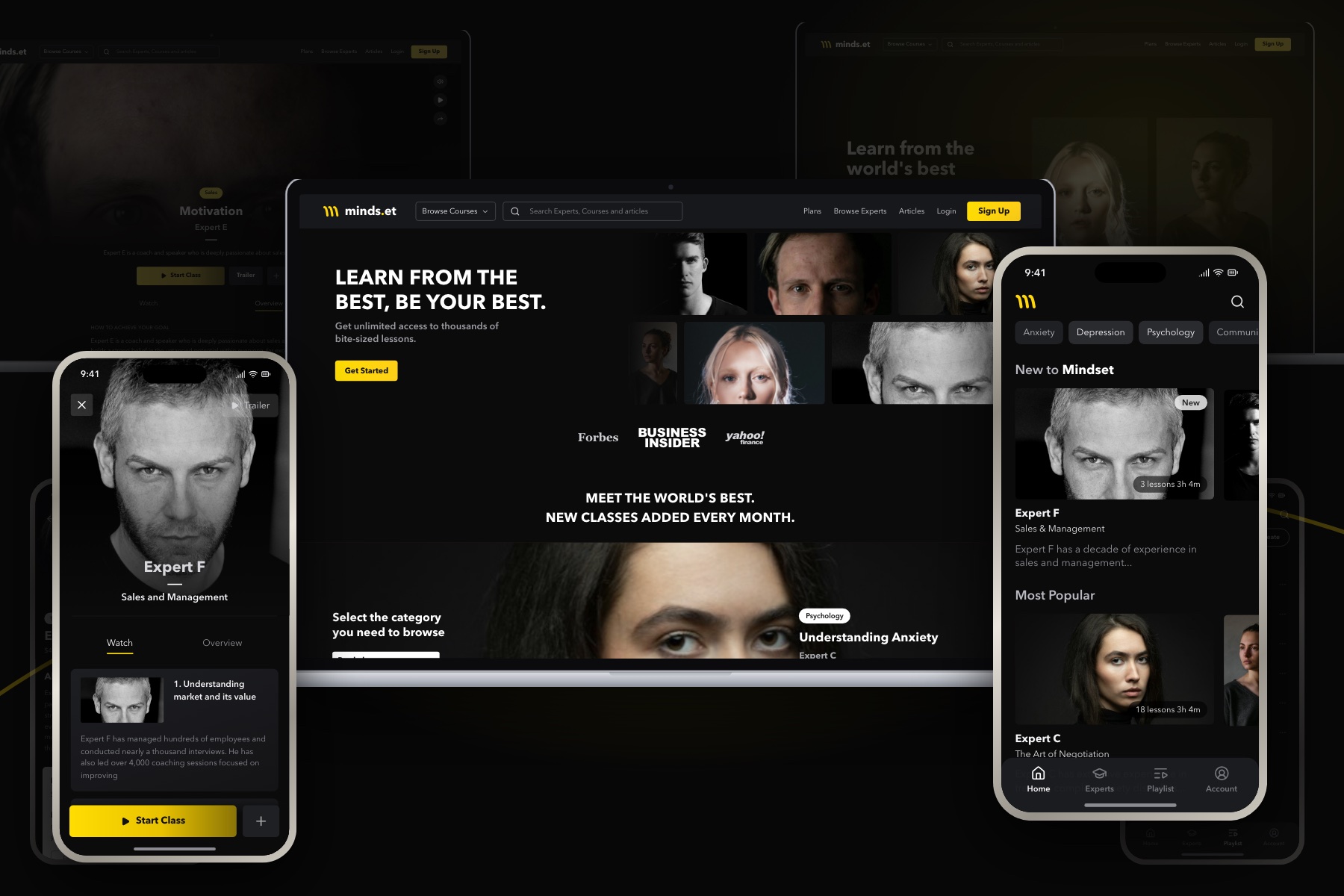
Minds.et web app and mobile app
Browse Minds.et as a web app and a mobile app: pick a category, open experts and classes, play a lesson, choose a plan, manage your playlist and book a one-to-one session with an expert.
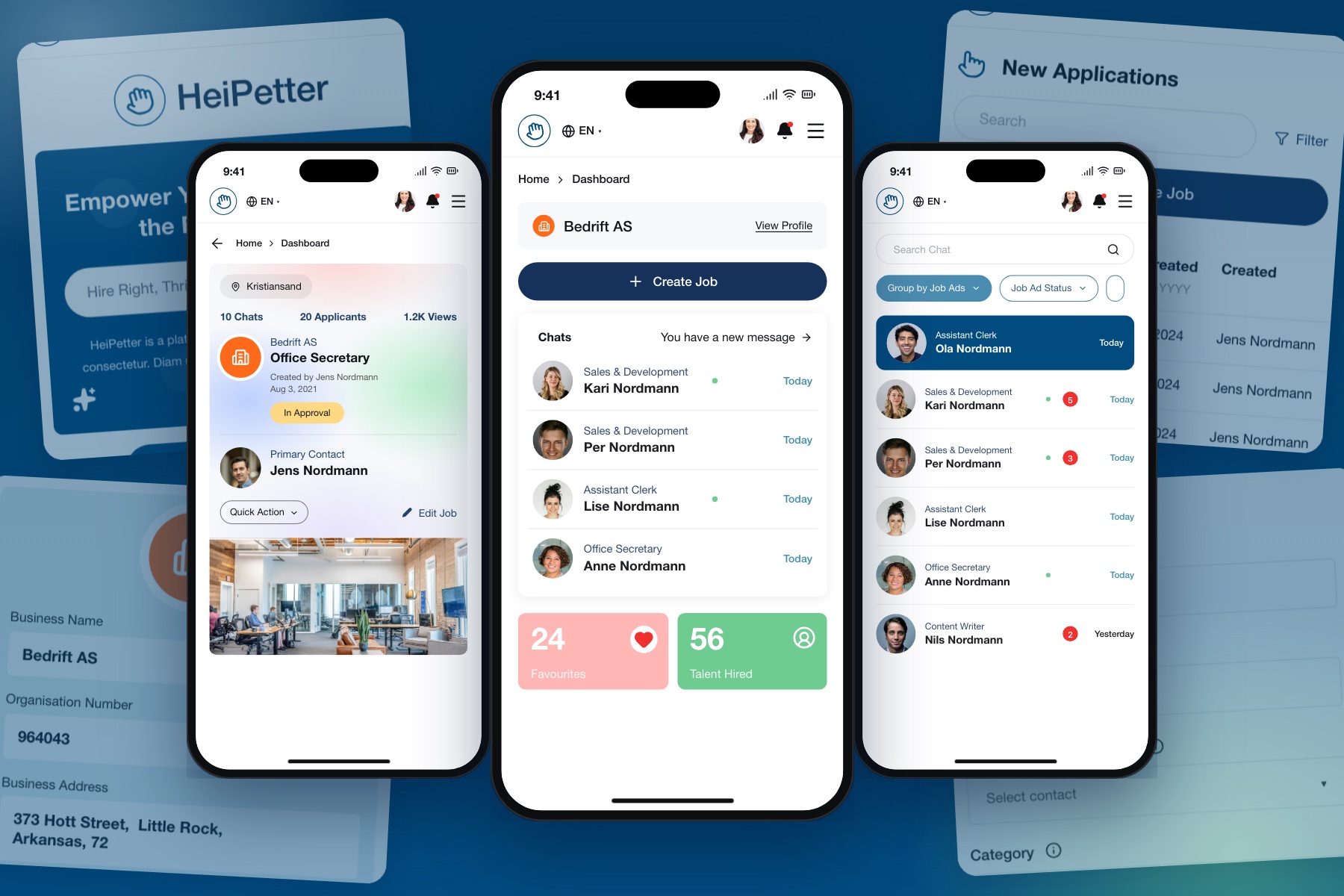
Hei Petter employer app
Step through Hei Petter’s employer app: check the dashboard and company profile, open a job ad, filter new applications, chat with an applicant and send a status update, then start a new job post.
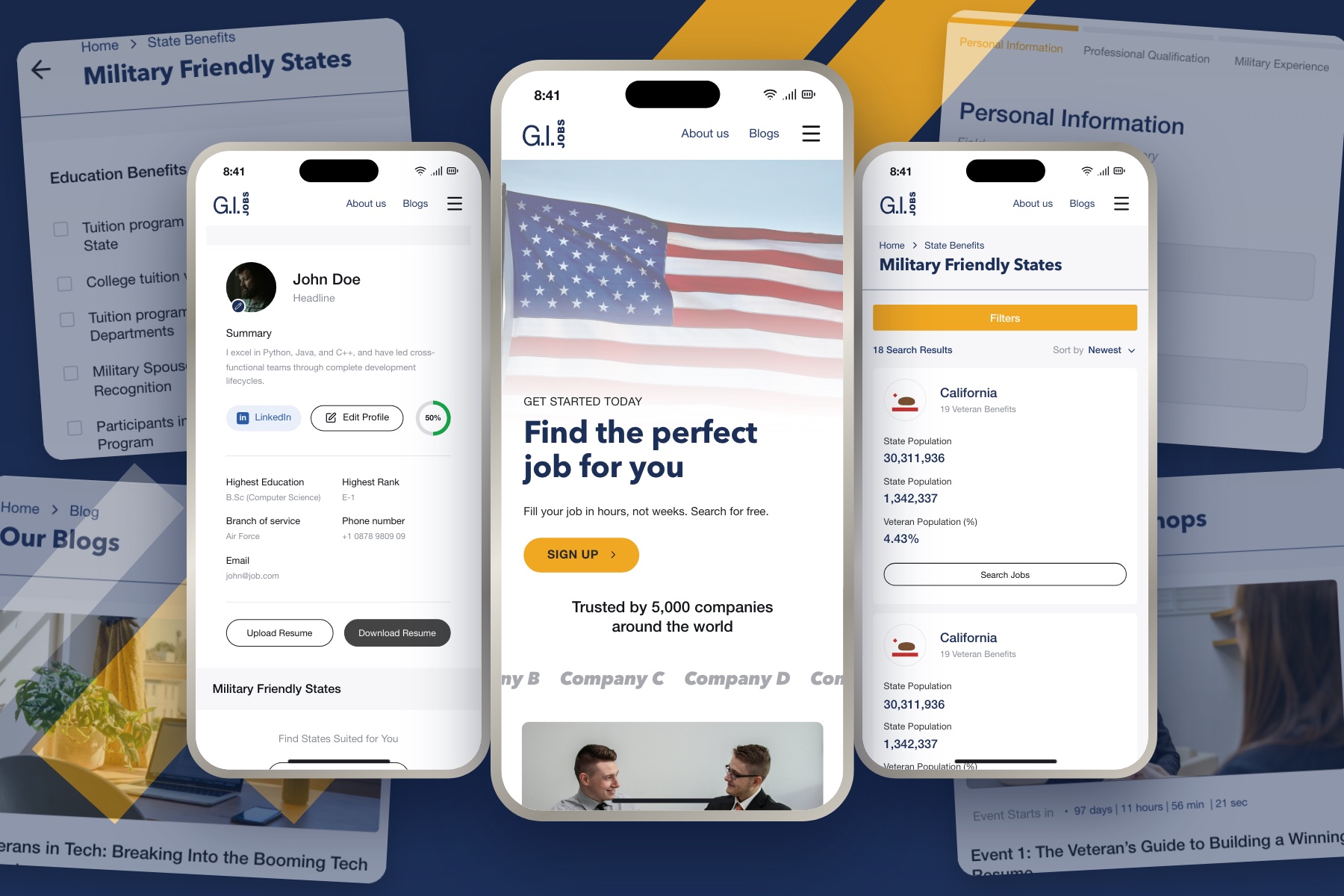
G.I. Jobs app and website
Sign up as a veteran on G.I. Jobs, fill in your candidate profile, check your dashboard and upcoming job fairs, browse military friendly states and benefits, and switch to the desktop site.
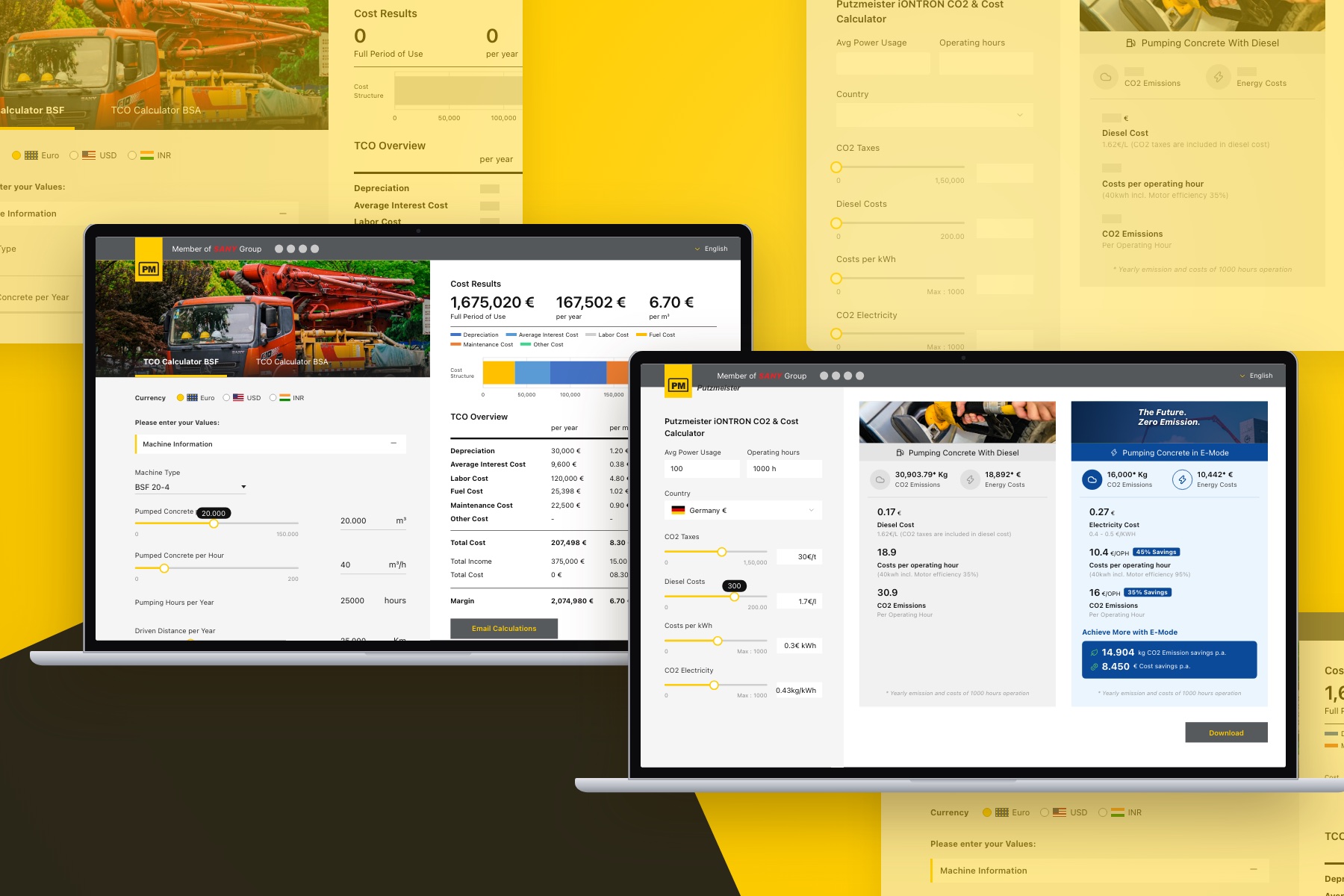
Putzmeister TCO tool and CO₂ calculator
Fill in the inputs of Putzmeister’s TCO tool and iONTRON CO₂ calculator, then compare the results: cost breakdown and overview for a concrete pump, or diesel against E-Mode costs and emissions.
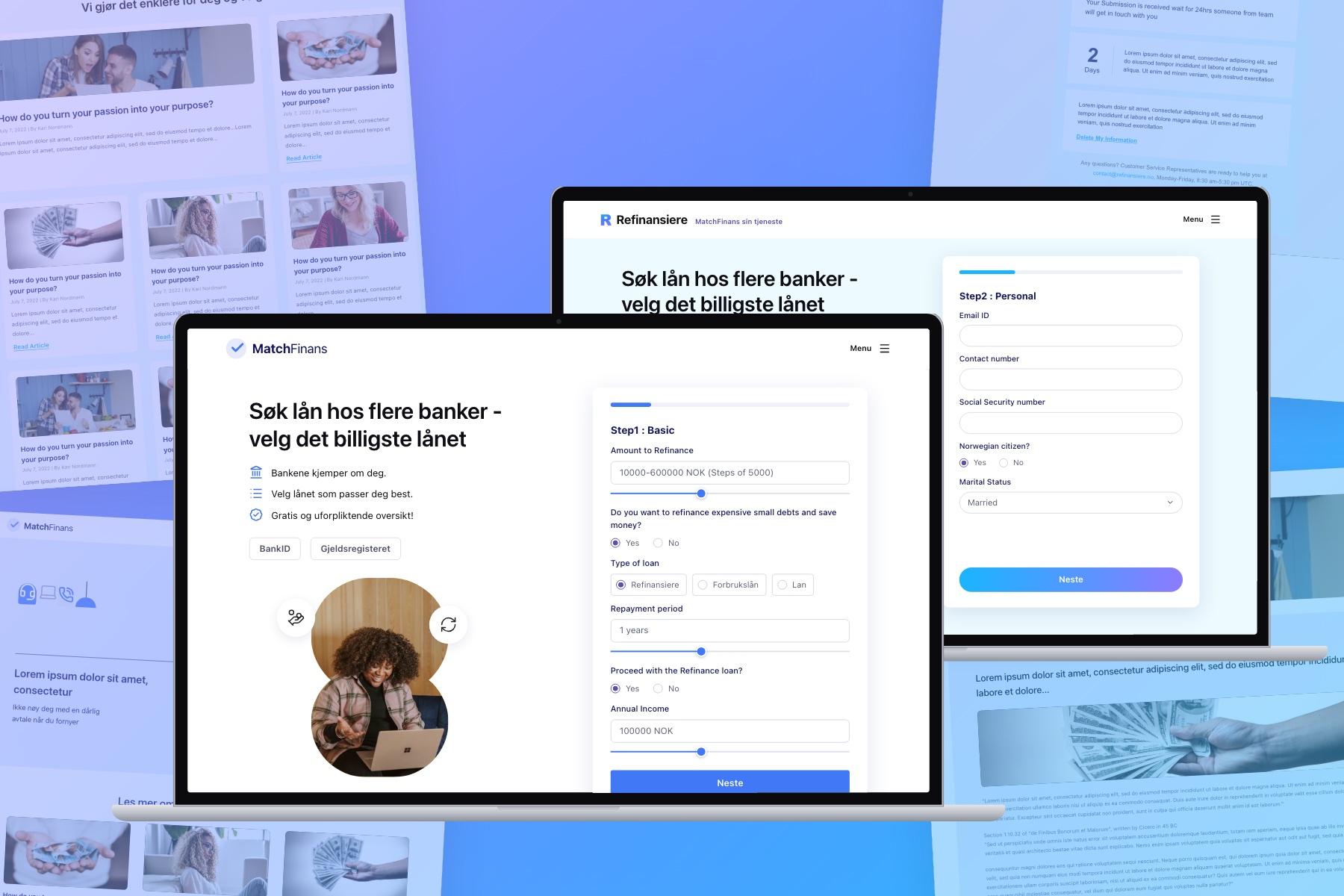
MatchFinans and Refinansiere websites
Explore MatchFinans and its sister site Refinansiere: switch between the two brands, fill in the shared two-step loan form, open articles and the contact page, and see the confirmation email.
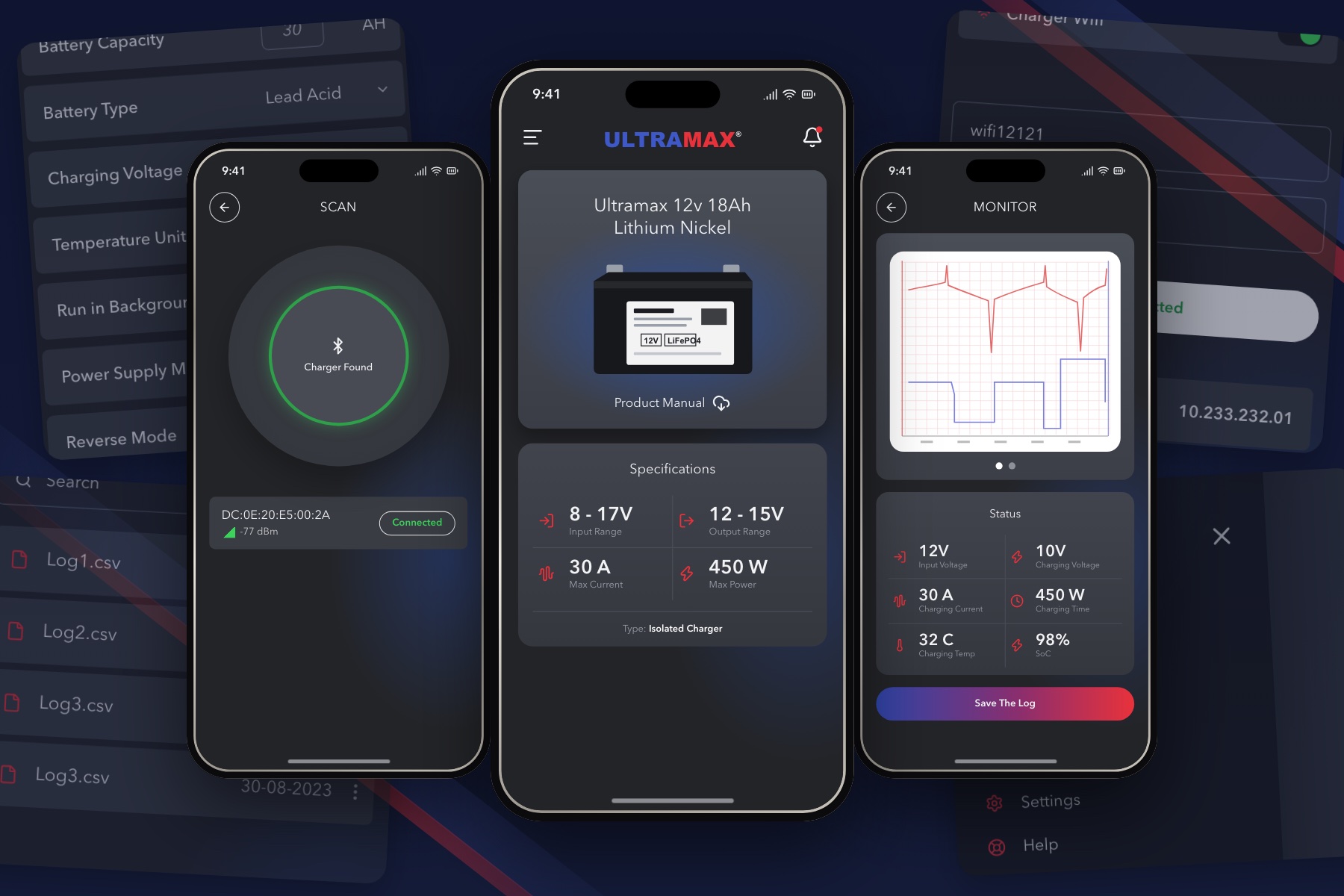
UltraMax app
Click through the UltraMax battery charger app: find the charger over Bluetooth, connect it to wifi, watch voltage, current and temperature while it charges, open the saved logs and change the charging settings.
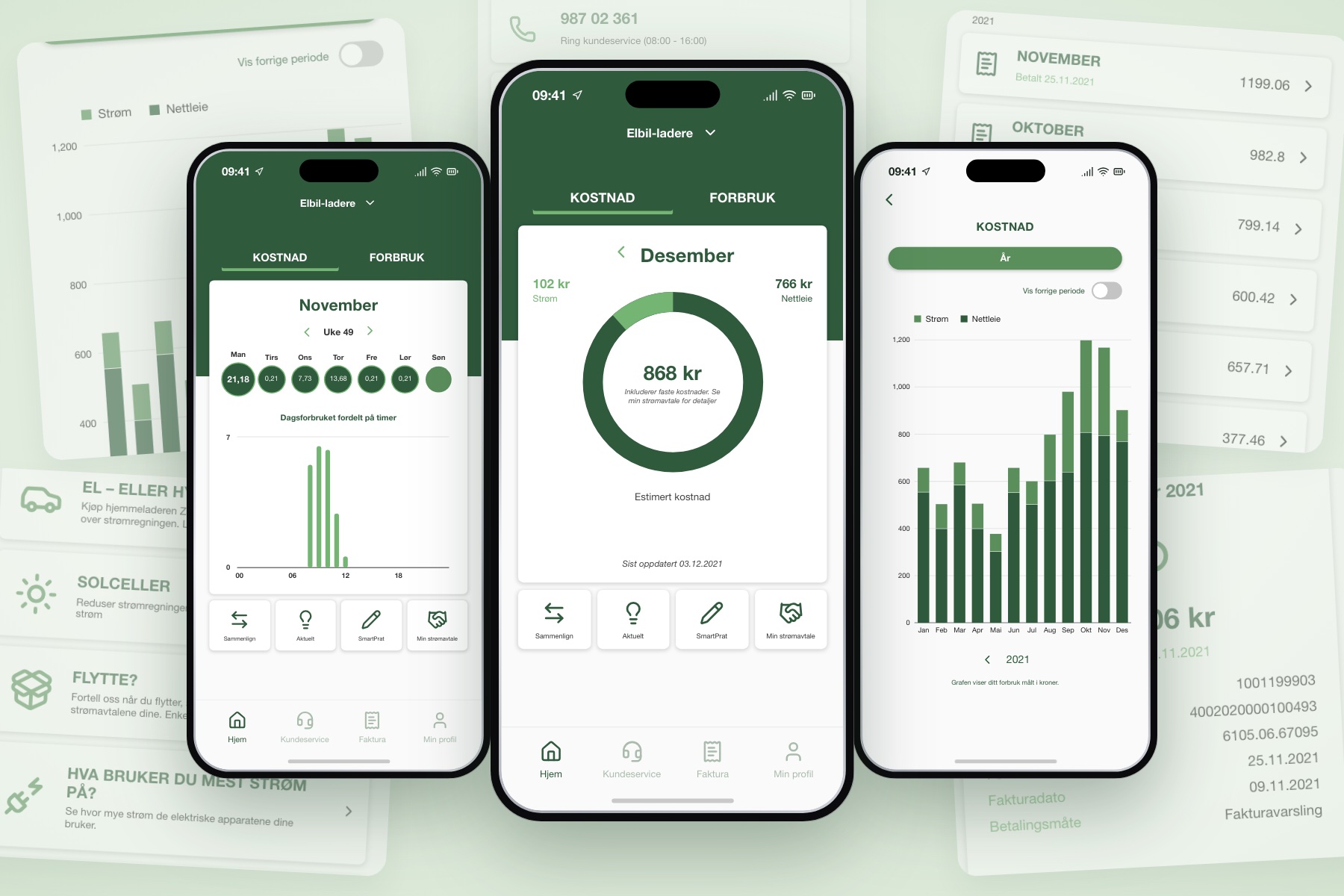
SmartEnergi app
Click through the SmartEnergi app for power customers: sign in, see this month’s cost, compare the year with the one before, check use by day and hour, open an invoice and reach customer service.
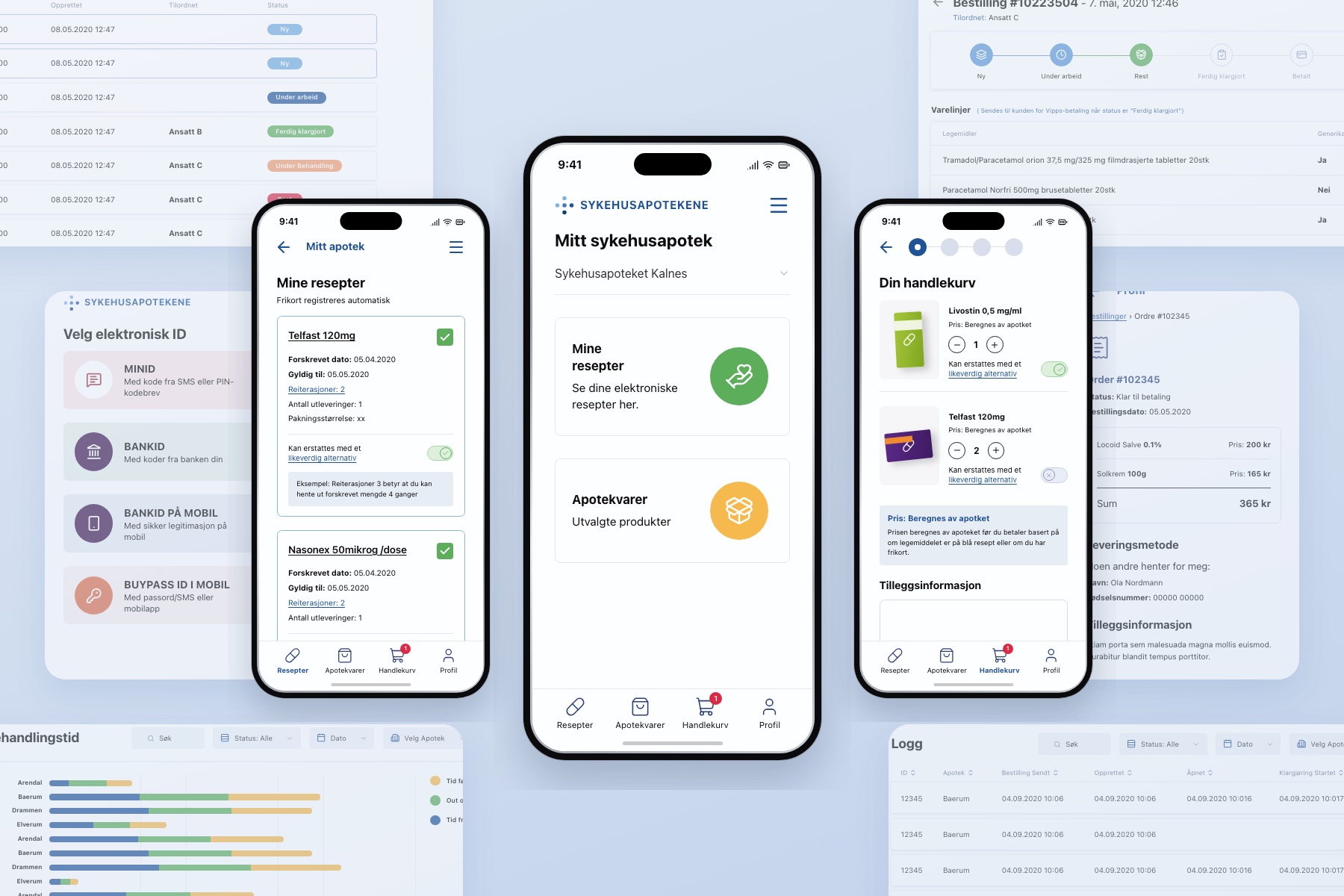
Sykehusapotekene app and pharmacy backend
Click through a concept for ordering prescriptions from a hospital pharmacy: the patient app and the pharmacy backend that handles the orders. A workshop concept, not a released product. All names are placeholders.
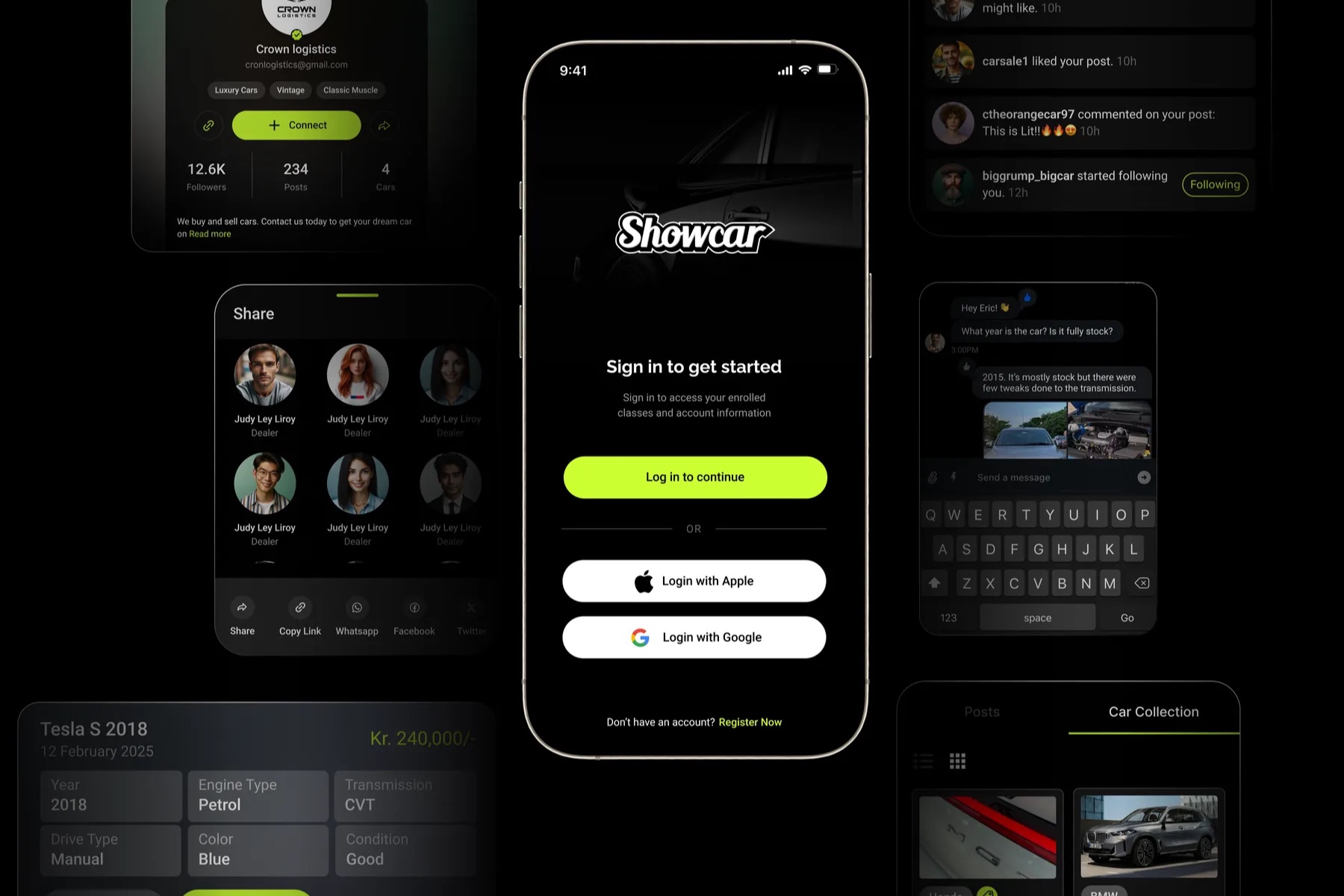
Showcar app
Click through the Showcar app, a social platform for car enthusiasts: sign in, pick your favourite kinds of cars, scroll the feed, chat, browse a car collection and open a dealer profile.
No prototypes here yet.
Tell us what you’re building.
A new project, a question about how we can help, or just curious about how we work.